Installation and connection
Register the person ID and test the button. IDF28255-02A sends iBeacon frames with button state in the UUID; the receiver must decode that variant correctly.
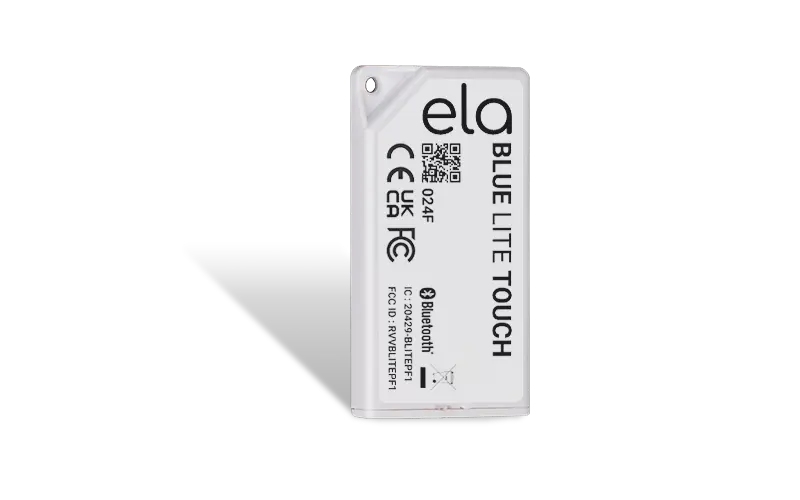
Product views
JAXICLOUD FLEET MANAGEMENT
PERSONAL IDENTIFICATION CAN LINK DRIVING AND JOBS TO THE RIGHT USER.
Discuss software, integration and configurationA Bluetooth beacon with person ID and a button. Software can interpret button presses for private/business use or driver/passenger assignment.
Register the person ID and test the button. IDF28255-02A sends iBeacon frames with button state in the UUID; the receiver must decode that variant correctly.
Person ID and button state; the battery is user-replaceable.
An identification beacon can support a workflow in which a receiver identifies a driver or passenger. Assign the ID to the person and test it in the vehicle.
This is an example of use. App functions, reports and alerts depend on the agreed software and integration.
The ordered variant, optional features, software and compatible equipment are confirmed in the quote.
| Function | Person ID and push-button |
|---|---|
| Variant | IDF28255-02A: iBeacon and button state |
| Batteri | User-replaceable |
Hardware information checked on 5 October 2026. Technical documentation
Mounts, power, cables, receivers and software are selected for this product and your vehicle or equipment.
Ask about compatible accessoriesNo. Identification is an input; driver assignment and recording rules must be configured in the selected software.
Send the exact model, vehicle or asset, and required functions to info@jaxicloud.com. We assess hardware interfaces, firmware and data support before agreeing on a configuration. A suitable test should verify the actual data flow.