All apps and solutions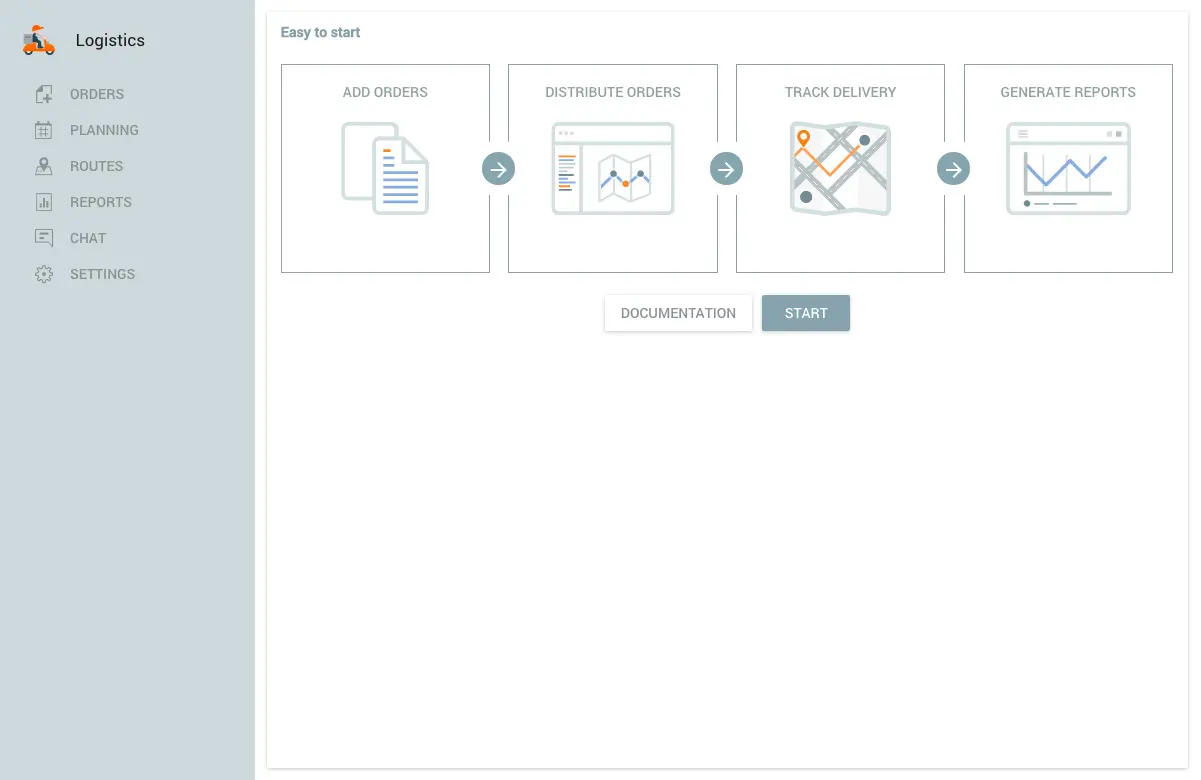 See the demonstration
JAXICLOUD FLEET MANAGEMENT
Logistics
Plan deliveries and give dispatchers an overview of execution.
Discuss your needsJAXICLOUD FLEET MANAGEMENT
FUNCTIONS
What you can use it for
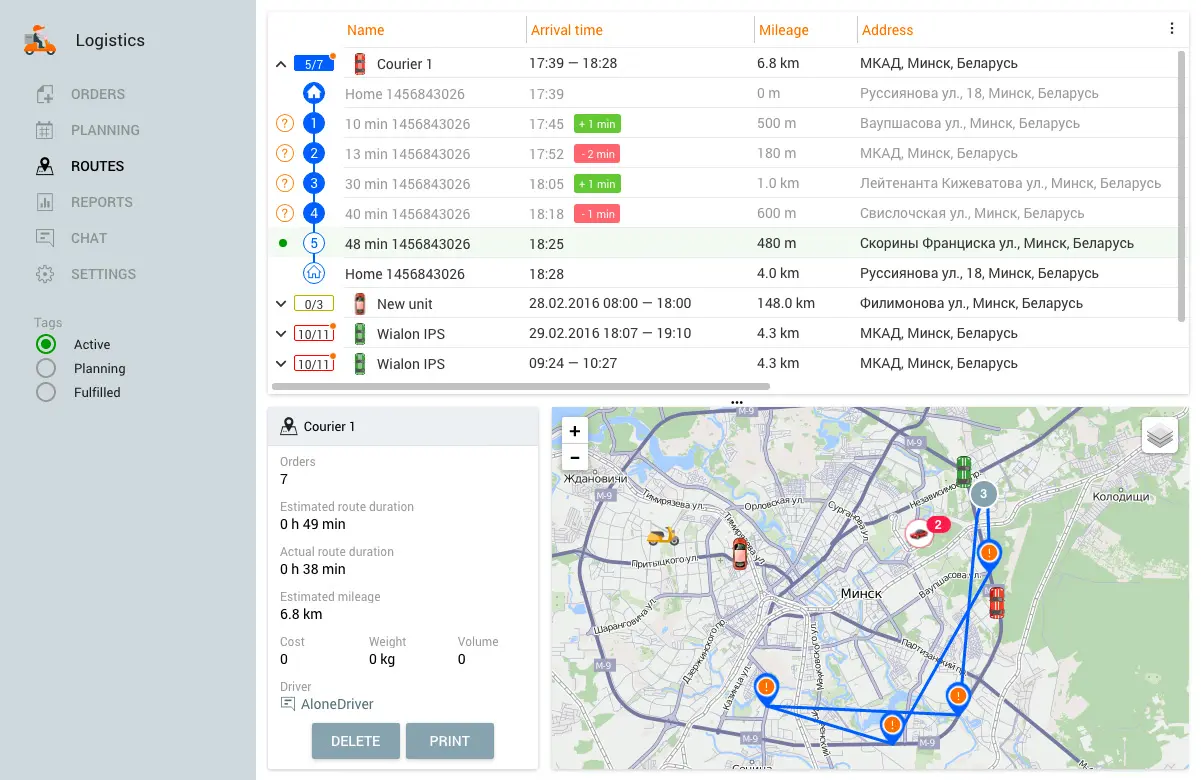
Adjust routes
Monitor delivery status
JAXICLOUD FLEET MANAGEMENT
See how the app works
Explore real app views and follow the functions step by step. The examples show an illustrative configuration; your account may look different.
JAXICLOUD FLEET MANAGEMENT
JAXICLOUD FLEET MANAGEMENT
GUIDED IMAGE WALKTHROUGH
App views explained
- Dispatcher workspace and driver app
- Status, reports and customer messages
JAXICLOUD FLEET MANAGEMENT
JAXICLOUD FLEET MANAGEMENT
Detailed functions
Get more from the app
Create and assign delivery orders
Plan and optimise routes
Dispatcher workspace and driver app
Status, reports and customer messages
The app remains supported in maintenance mode; new features are not planned. We review the available functions with your fleet.
IN PRACTICE
From data to action
The dispatcher assigns daily orders and adjusts a route after a change. The driver follows stops and shares delivery status through the agreed workflow.
Functions depend on your agreement, compatible equipment, data access and configuration. JAXICLOUD FLEET MANAGEMENT helps select and configure the solution.
01Choose the data
02Review the workflow
03Follow up