JAXICLOUD FLEET MANAGEMENT
JAXICLOUD Platform · Help and guides
Guides directly on JAXICLOUD Fleet Management
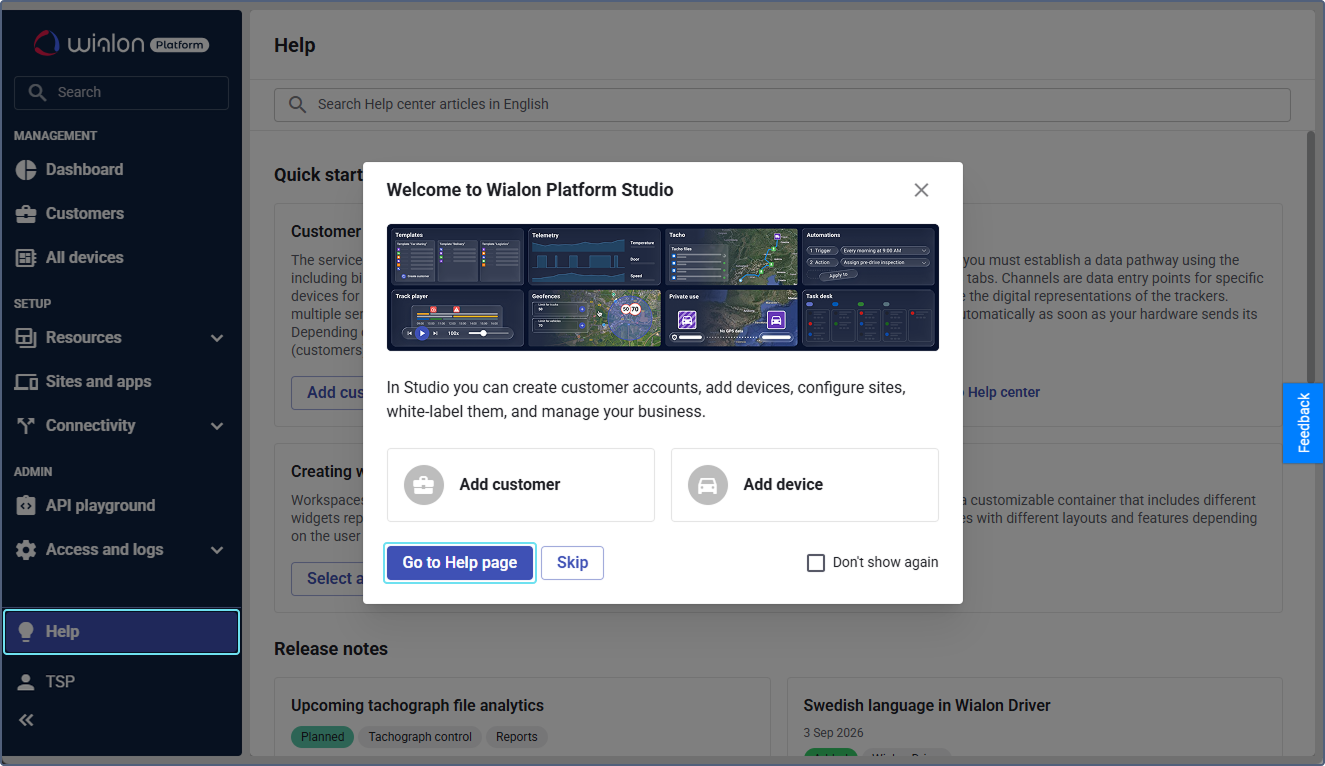
Features and menus depend on permissions, hardware and your agreement. Images are examples from the documented interface.
User guide
Daily use
Read the guide →Mobile app
Daily use
Read the guide →News and updates
Documentation reviewed on October 13, 2026. The updates below are a dated overview.
Read the guide →Studio and FleetSpace
Studio handles setup and administration.
Read the guide →Customers, users and roles
The customer account determines workspace and module access.
Read the guide →Devices and telemetry
Create a device, connect it to a data channel and verify its ID and recent data.
Read the guide →Workspace and widgets
JAXICLOUD can customize menus, device lists, details and dashboard.
Read the guide →Geofences and labels
Create customer sites and operating zones on the map and organize groups.
Read the guide →Automations
Enable the module, select conditions, create an action template and link them in a workflow.
Read the guide →Analytics and reports
JAXICLOUD can define datasets, metrics, reports and dashboard widgets.
Read the guide →Trips and Track Player
Enable Trips and verify detection settings.
Read the guide →Video and media
Enable Video for compatible hardware, configure channels and commands and add widgets.
Read the guide →Service and maintenance
Create service plans and individual services.
Read the guide →Drivers, behavior and tachograph
Driver profiles, assignments, behavior and tachograph are separate modules.
Read the guide →Forms, tasks and private use
Forms collect driver inspection data.
Read the guide →Indoor tracking and API
Indoor tracking uses floor plans, zones, tags, anchors and gateways on a dedicated Indoor account.
Read the guide →Contact JAXICLOUD Support
Include platform, vehicle or device, time and a description. Send a screenshot to support@jaxicloud.com if possible.
Contact JAXICLOUD Support →