JAXICLOUD FLEET MANAGEMENT
JAXICLOUD Platform · User guide
Guides directly on JAXICLOUD Fleet Management
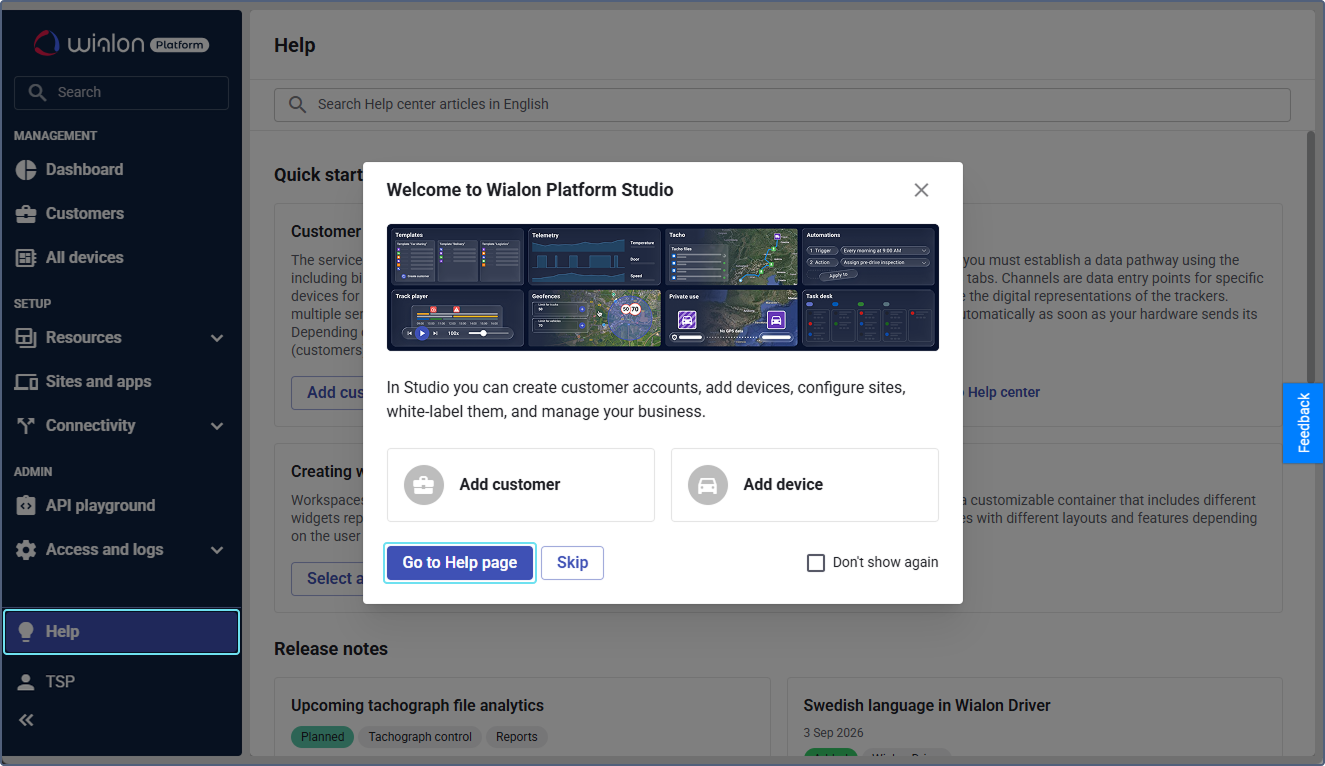
Features and menus depend on permissions, hardware and your agreement. Images are examples from the documented interface.
Studio and FleetSpace
Studio handles setup and administration.
Read the guide →Customers, users and roles
The customer account determines workspace and module access.
Read the guide →Devices and telemetry
Create a device, connect it to a data channel and verify its ID and recent data.
Read the guide →Workspace and widgets
JAXICLOUD can customize menus, device lists, details and dashboard.
Read the guide →Geofences and labels
Create customer sites and operating zones on the map and organize groups.
Read the guide →Automations
Enable the module, select conditions, create an action template and link them in a workflow.
Read the guide →Analytics and reports
JAXICLOUD can define datasets, metrics, reports and dashboard widgets.
Read the guide →Trips and Track Player
Enable Trips and verify detection settings.
Read the guide →Video and media
Enable Video for compatible hardware, configure channels and commands and add widgets.
Read the guide →Service and maintenance
Create service plans and individual services.
Read the guide →Drivers, behavior and tachograph
Driver profiles, assignments, behavior and tachograph are separate modules.
Read the guide →Forms, tasks and private use
Forms collect driver inspection data.
Read the guide →Indoor tracking and API
Indoor tracking uses floor plans, zones, tags, anchors and gateways on a dedicated Indoor account.
Read the guide →Studio and FleetSpace
Studio handles setup and administration. FleetSpace is the customer's daily workspace. The mobile app provides visibility on the go and Driver serves driver tasks. Use the interface and account you have been granted.
Customers, users and roles
The customer account determines workspace and module access. Users receive roles and permissions. Customer templates support consistent setup. Check time zone and access before new users start work.
Read the guide →Devices and telemetry
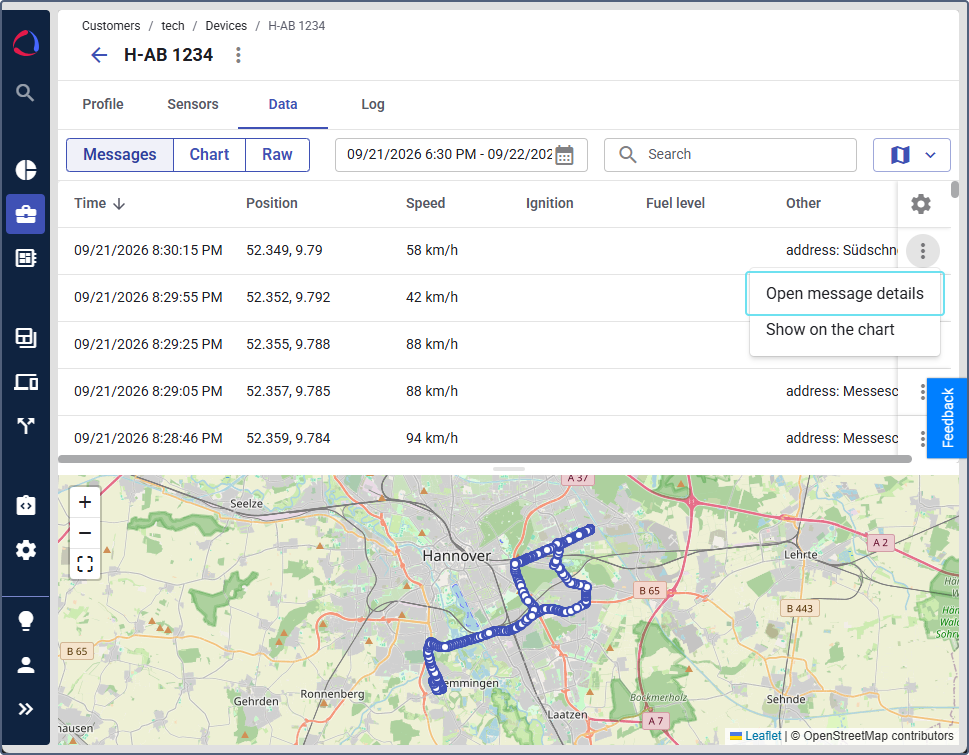
Create a device, connect it to a data channel and verify its ID and recent data. Configure sensor interpretation, device profile and telemetry. Presets and templates can be reused but must match the hardware.
Workspace and widgets
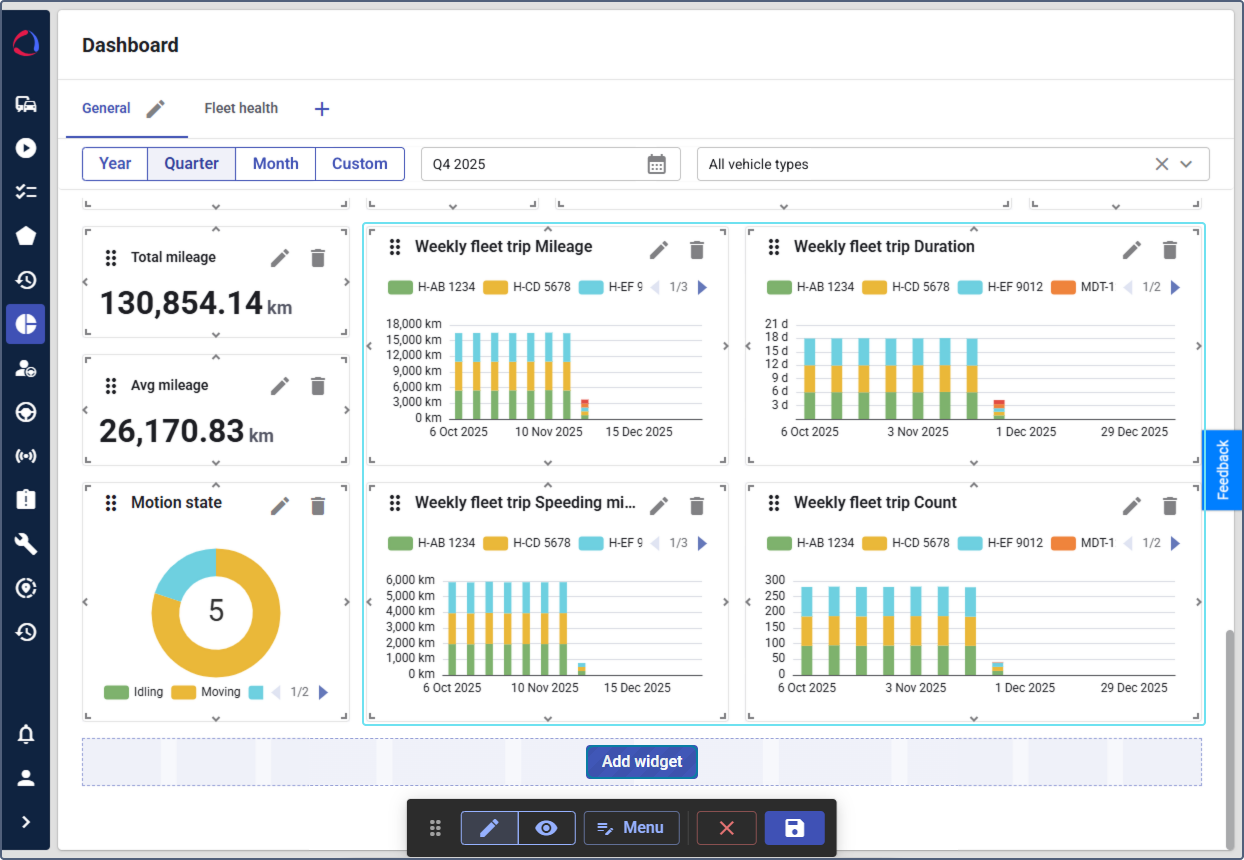
JAXICLOUD can customize menus, device lists, details and dashboard. Display metrics staff use daily. Test with a standard customer user so administrator rights do not hide access issues.
Geofences and labels
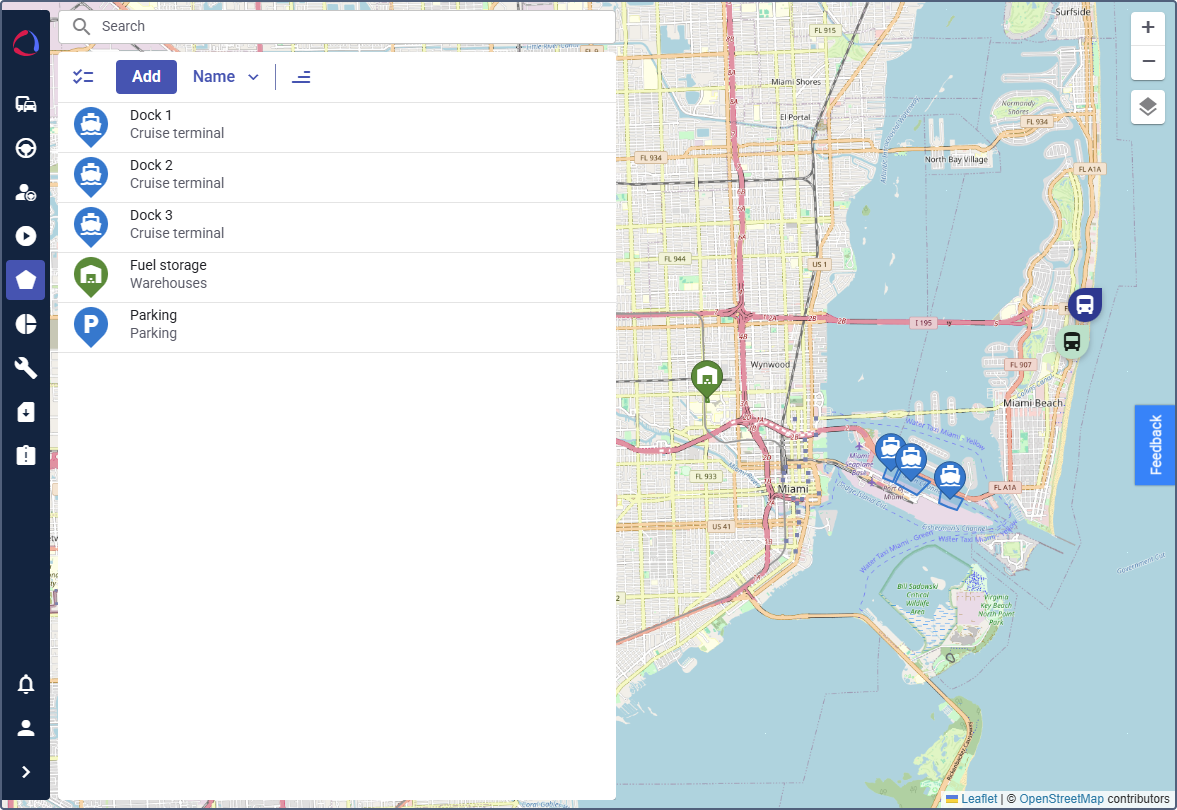
Create customer sites and operating zones on the map and organize groups. Geofences support reports and automations. Labels organize and filter devices by your categories.
Automations
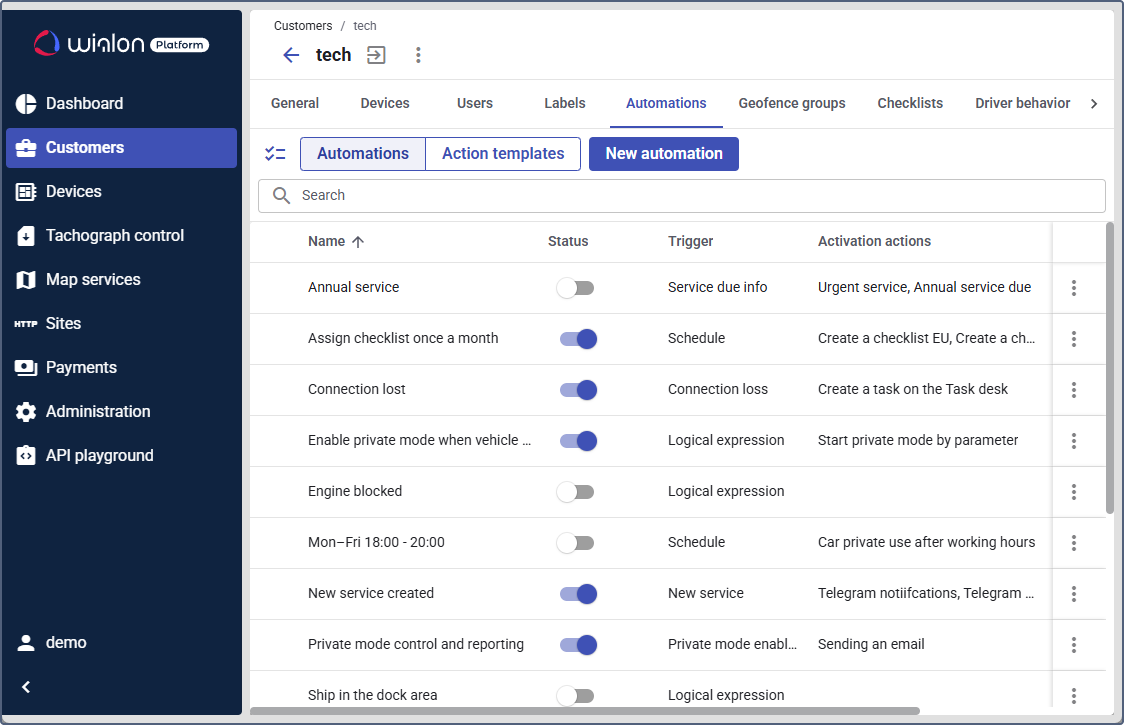
Enable the module, select conditions, create an action template and link them in a workflow. Connection loss or sensor values can trigger actions. Test the condition and action before daily use.
Analytics and reports
JAXICLOUD can define datasets, metrics, reports and dashboard widgets. Customers select an enabled report, period and filters in FleetSpace. Review tables or map and assess the data before comparisons.
Trips and Track Player
Enable Trips and verify detection settings. Retrieve trips for a vehicle and interval, play the track and inspect data. Start, end, duration and distance depend on settings and received messages.
Video and media
Enable Video for compatible hardware, configure channels and commands and add widgets. Customers can view media or request videos and pictures when access and devices support it.
Read the guide →Service and maintenance
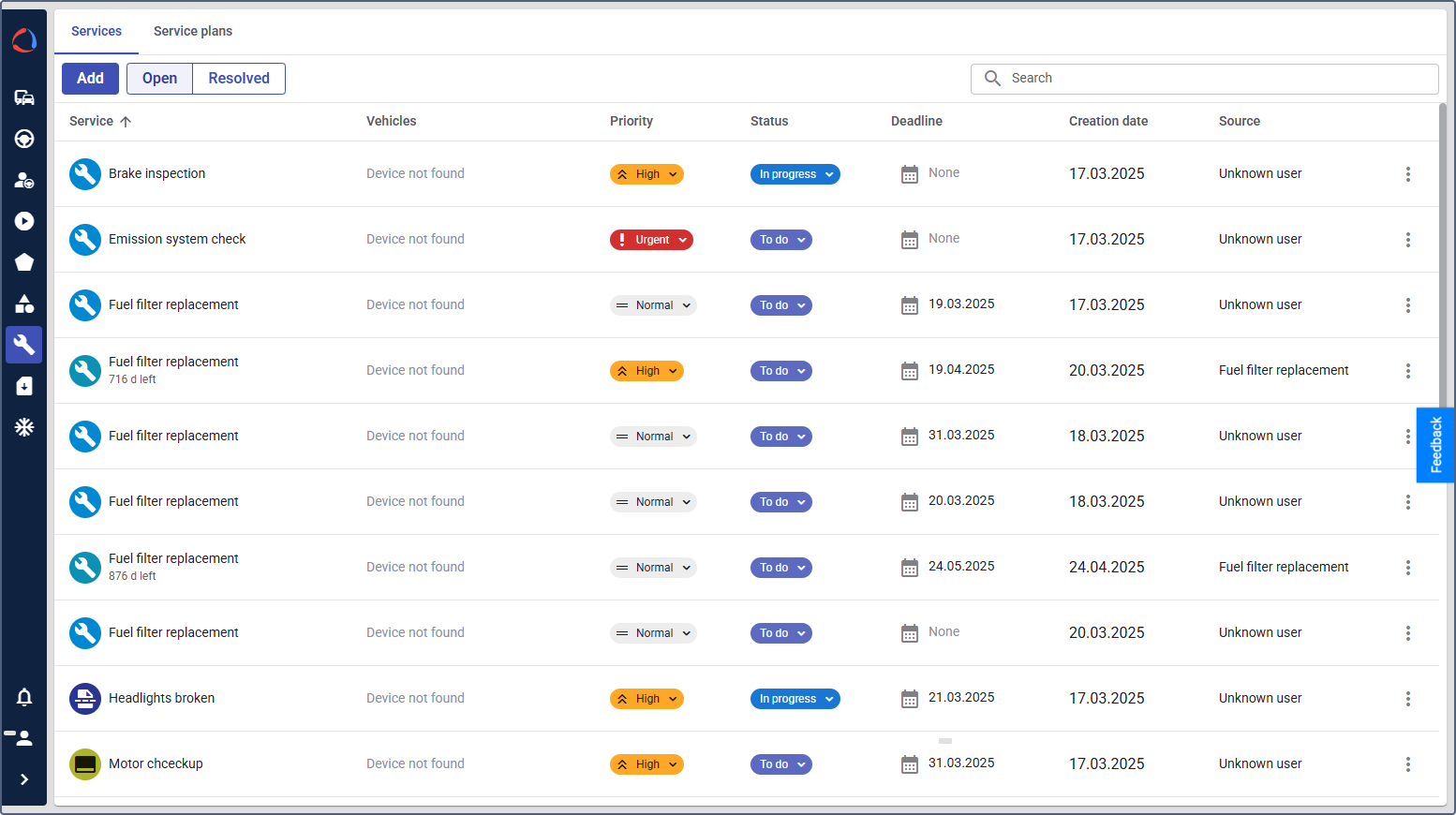
Create service plans and individual services. Schedule according to needs and device data and show status in widgets. Notifications and automation support timely service; completed work must be recorded correctly.
Drivers, behavior and tachograph
Driver profiles, assignments, behavior and tachograph are separate modules. Configure criteria, data access and widgets. Use activity views and reports for documentation; file downloads require compatible hardware and correct setup.
Read the guide →Forms, tasks and private use
Forms collect driver inspection data. Task desk organizes work and status. Private use can be controlled through permissions, sensors and rules. Enable only agreed customer modules.
Read the guide →Indoor tracking and API
Indoor tracking uses floor plans, zones, tags, anchors and gateways on a dedicated Indoor account. It cannot be combined with standard fleet modules in the same account. API integrates platform data into other workflows.
Contact JAXICLOUD Support
Include platform, vehicle or device, time and a description. Send a screenshot to support@jaxicloud.com if possible.
Contact JAXICLOUD Support →