JAXICLOUD FLEET MANAGEMENT
BlueCold – integration
From temperature sensor to your own system.
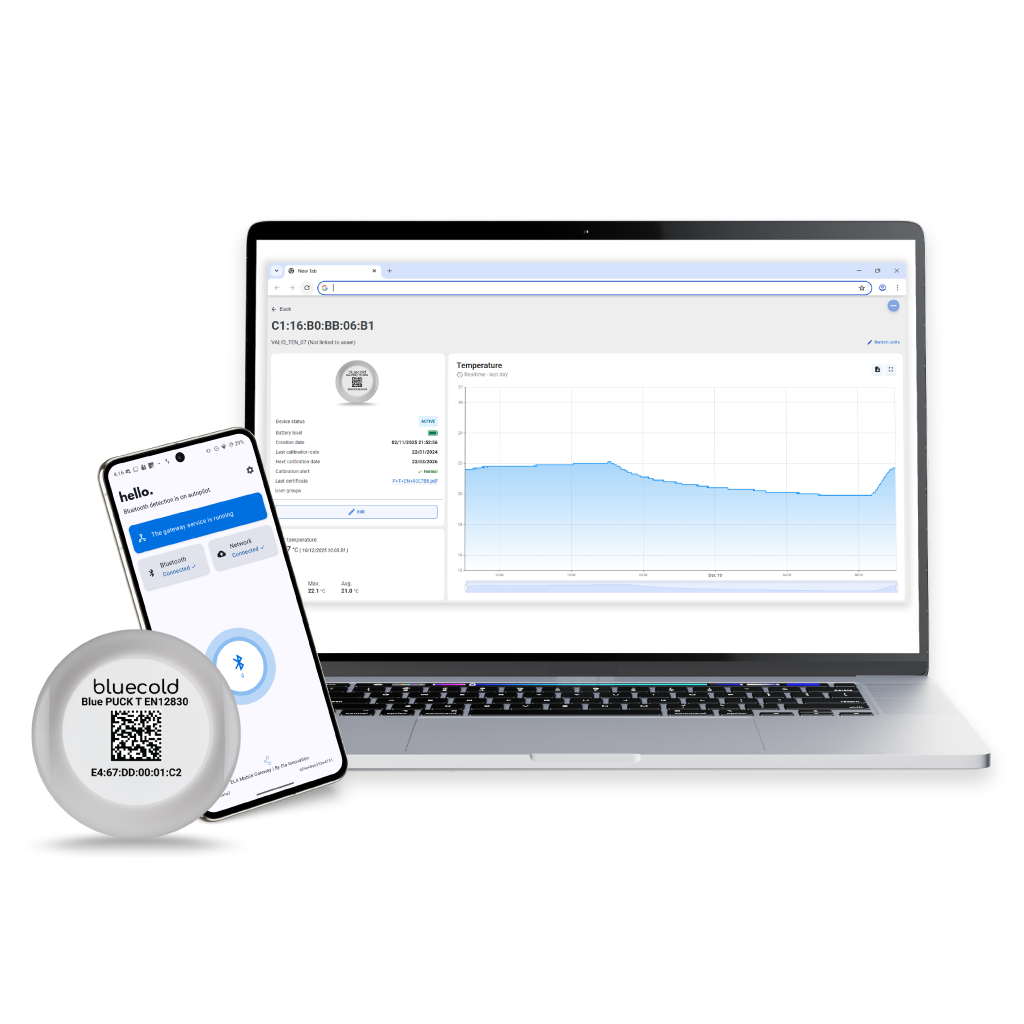
Four steps
- 1Install sensors and gateway.
- 2Open the BlueCold platform.
- 3Link sensors to a vehicle, container or cold room.
- 4Connect temperature data to your ERP, TMS or WMS through the API.
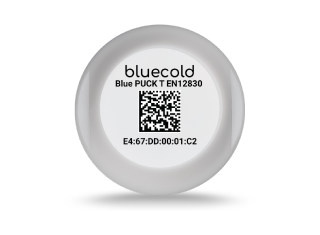
Sensor and storage
BLUE PUCK T EN12830: −40 to +85 °C, up to 36,000 timestamped readings and IP68/IP69K. Calibration and measurement intervals are agreed for the application.
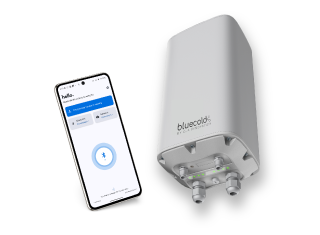
Mobile or fixed gateway
The ELA Mobile Gateway Android app runs in the background and sends stored readings when connectivity returns. Premium Gateway supports up to 200 BLE sensors, Ethernet, Wi-Fi and cellular connectivity; −40 to +65 °C and IP66.
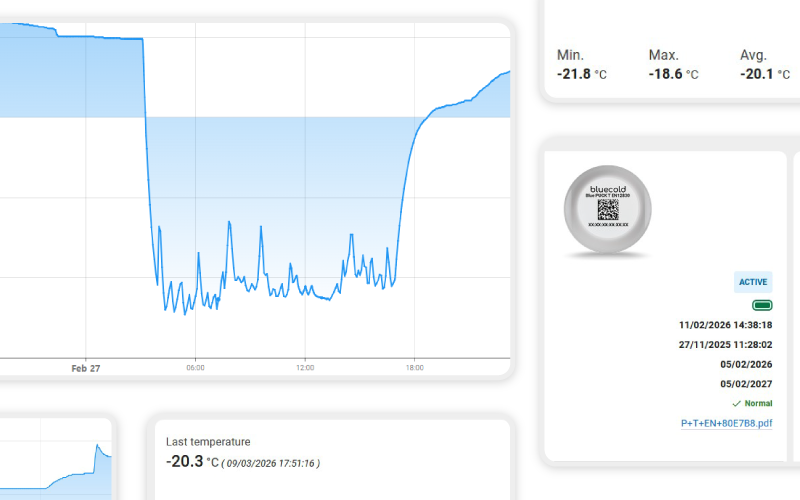
Platform and API
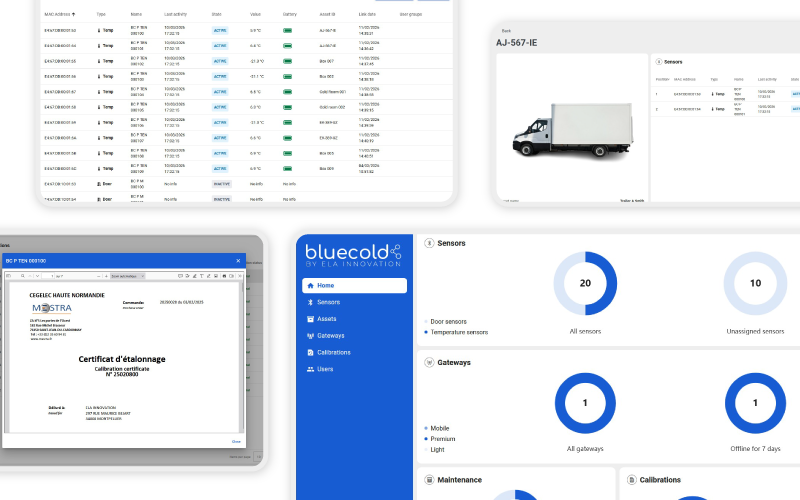
The platform brings together temperature history, sensor relationships and calibration certificates. API access makes data available within your workflows.
Before you start
Agree measurement points, internet access, user permissions and system integration. JAXICLOUD helps with planning and testing.