JAXICLOUD FLEET MANAGEMENT
BlueCold – support
Get started with sensors, gateways and temperature data.
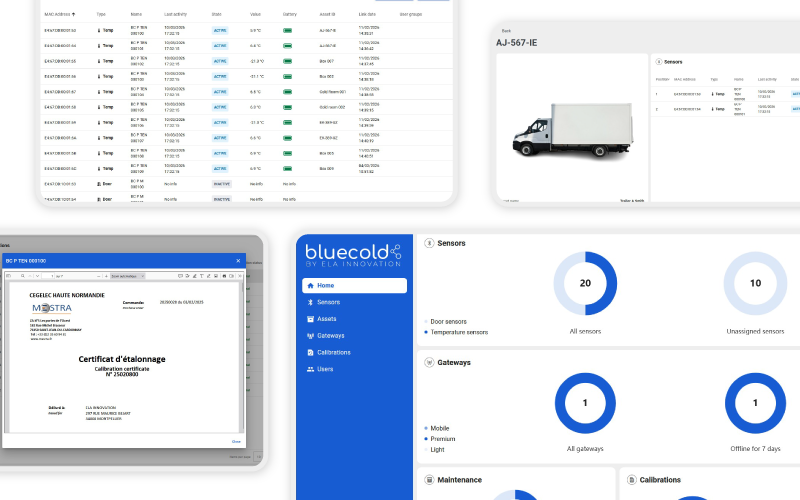
Step-by-step setup
- 1Log in to the platform and create the relevant users.
- 2Review your sensors and link them to your equipment.
- 3Set up the mobile gateway on the phone.
- 4Find the sensors’ calibration certificates.
Platform overview
The sensor overview shows battery status. The gateway overview shows operating status and last communication.
Questions and answers
Can the app be deployed as an APK?
Yes, APK deployment can be arranged for phones managed by your IT department.
Must the app be started after a phone restart?
According to the manufacturer, the app restarts automatically.
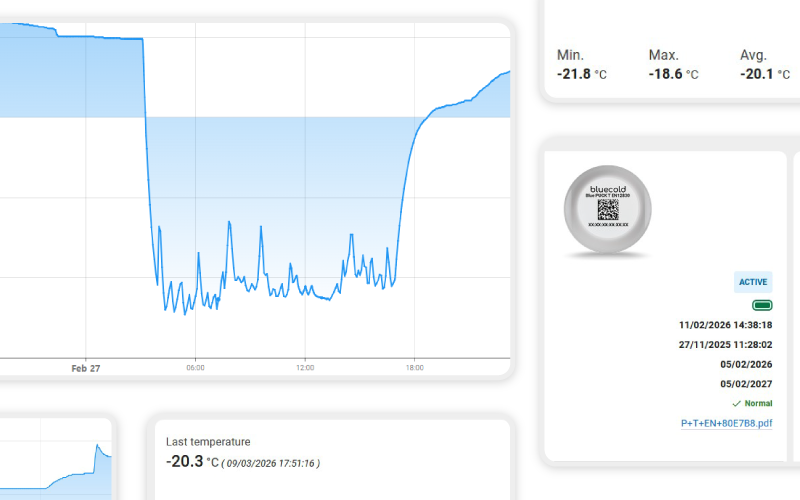
Can we retrieve temperature history?
The API can return timestamped readings as JSON for a selected period. The Relations API links sensors and equipment.
Can the platform language be changed?
The manufacturer offers French, English, German, Spanish, Italian and Portuguese. Ask us about other languages.
Submit a support case
Include the sensor ID, gateway or phone model, time and a description of the issue. Attach a screenshot to your email if possible. Send to support@jaxicloud.com.
Contact support →