JAXICLOUD FLEET MANAGEMENT
Geofences and areas · JAXICLOUD Hosting
Guides directly on JAXICLOUD Fleet Management
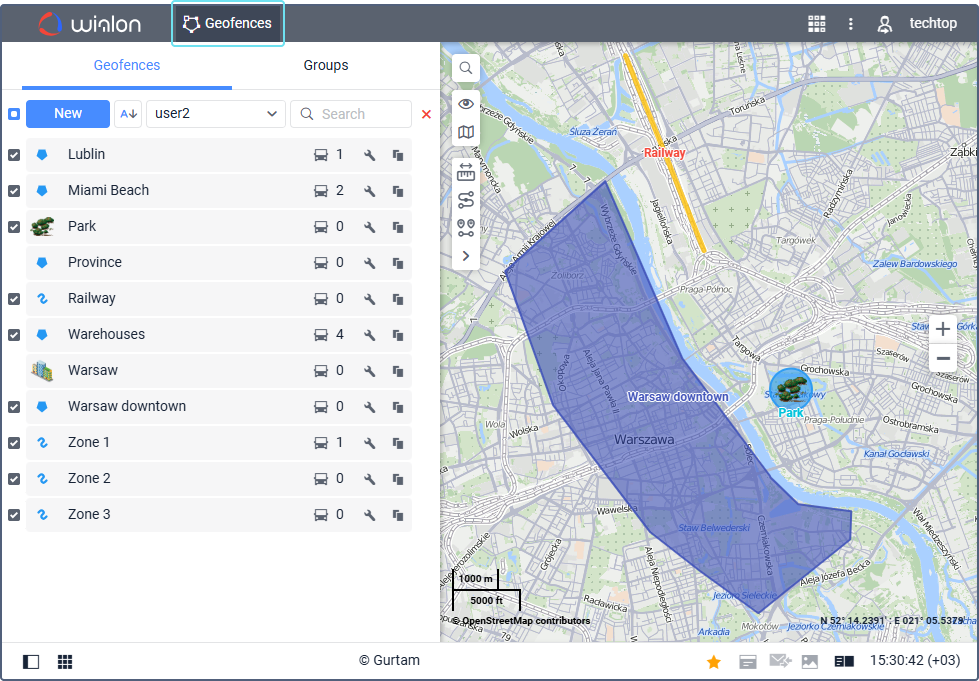
Features and menus depend on permissions, hardware and your agreement. Images are examples from the documented interface.
Geofences and areas
Create a circle, polygon or line and give it a clear name. Geofences can be used in reports, notifications and routes. Organize groups. KML/KMZ supports import and export when permissions allow.
Contact JAXICLOUD Support
Include platform, vehicle or device, time and a description. Send a screenshot to support@jaxicloud.com if possible.
Contact JAXICLOUD Support →