JAXICLOUD FLEET MANAGEMENT
Monitoring and map · JAXICLOUD Hosting
Guides directly on JAXICLOUD Fleet Management
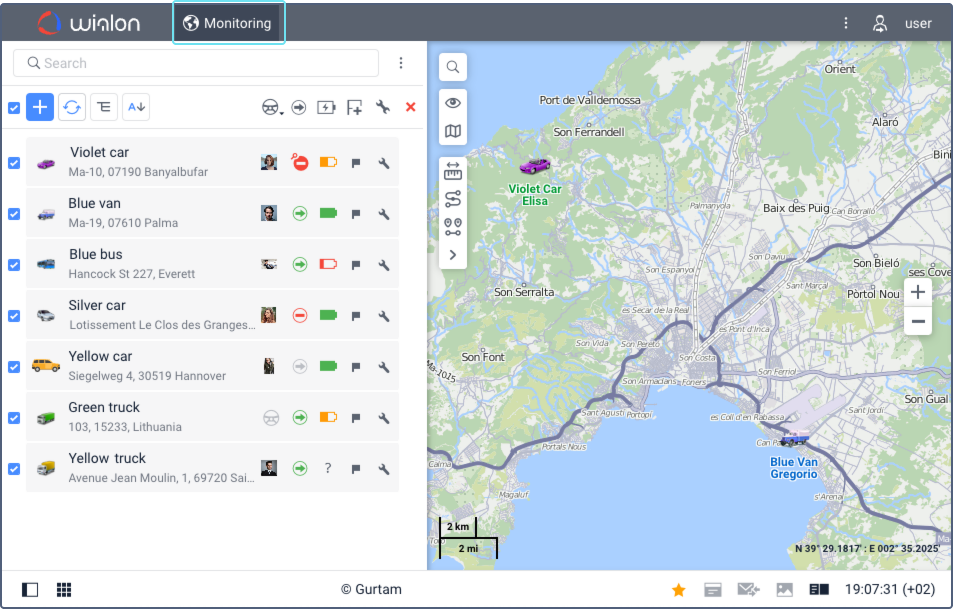
Features and menus depend on permissions, hardware and your agreement. Images are examples from the documented interface.
Monitoring and map
Open Monitoring, search by name, ID or registration number and add relevant units to the work list. Select a unit to show it on the map. Check last message, connection, movement and sensor data before treating a position as current.
Contact JAXICLOUD Support
Include platform, vehicle or device, time and a description. Send a screenshot to support@jaxicloud.com if possible.
Contact JAXICLOUD Support →