JAXICLOUD FLEET MANAGEMENT
Login and initial setup · JAXICLOUD Hosting
Guides directly on JAXICLOUD Fleet Management
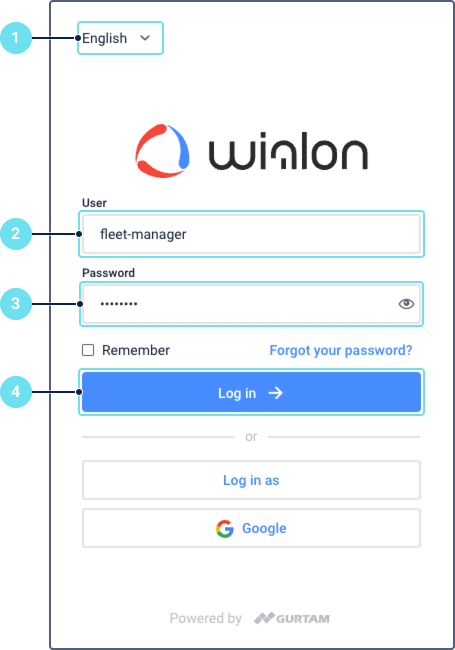
Features and menus depend on permissions, hardware and your agreement. Images are examples from the documented interface.
Login and initial setup
Use your Hosting address and personal account. Select language, log in and check time zone and units. A tracker needs power, data connectivity, the correct server address and an ID matching the account device.
Contact JAXICLOUD Support
Include platform, vehicle or device, time and a description. Send a screenshot to support@jaxicloud.com if possible.
Contact JAXICLOUD Support →